ImFusion WebAppKit
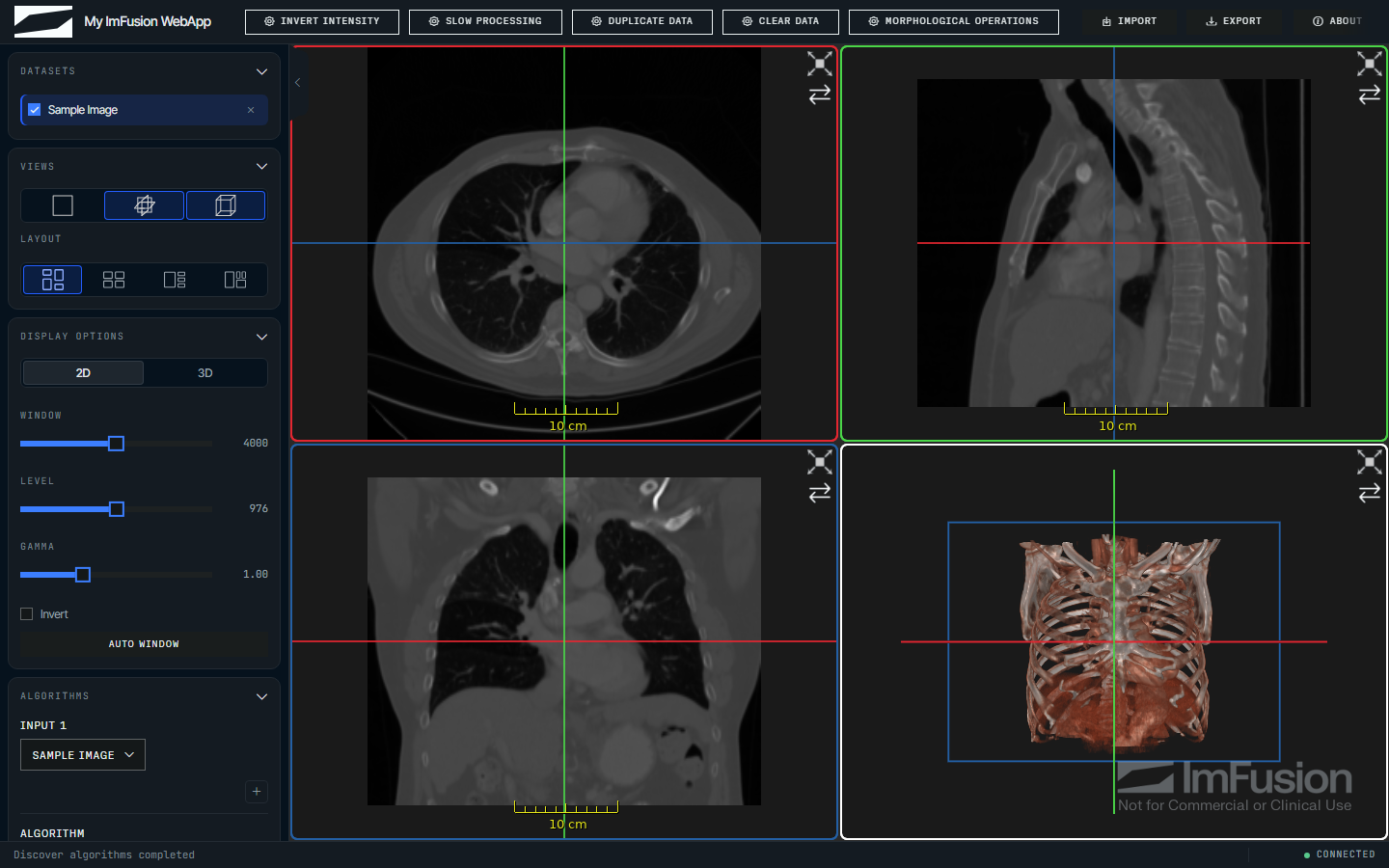
The ImFusion WebAppKit serves Python imaging algorithms in a medical web viewer over HTTP, so you can demo them to colleagues and clinicians without writing any web code. You register a function, the kit builds the matching button and controls, and whatever you return shows up in the viewer.
Note
This is an early prototype, so interfaces may still change between versions. The kit itself is MIT-licensed, but it runs on the ImFusion SDK, which is free for non-commercial use and needs a commercial licence otherwise.
import numpy as np
import imfusion

from imfusion_webappkit import FloatParameter, ImFusionWebApp

app = ImFusionWebApp(title="Image Tools")


@app.register(
    "Threshold",
    parameters=[
        FloatParameter(
            "threshold", default=100.0, minimum=0.0, maximum=1000.0,
        ),
    ],
)
def apply_threshold(
    imageset: imfusion.SharedImageSet,
    *,
    threshold: float,
) -> imfusion.SharedImageSet:
    image = imageset[0]
    label = imfusion.SharedImage((image.numpy() >= threshold).astype(np.uint8))
    label.image_to_world_matrix = image.image_to_world_matrix
    label.spacing = image.spacing

    mask = imfusion.SharedImageSet()
    mask.add(label)
    mask.modality = imfusion.Data.Modality.LABEL
    return mask


app.run()
Open http://127.0.0.1:8000, load an image, select it, and run the action.
Where to go next
- Getting started runs the bundled demo and scaffolds a project.
- Command-line setup covers
doctor,demo,init, andrecord. - Actions and algorithms explains callbacks, named inputs, and algorithm controls.
- Data model synchronization describes per-session data and browser synchronization.
- Guided workflows covers multi-step applications.
- User annotations covers points, lines, boxes, and angles drawn in the viewer.
- Branding, themes, and layout covers the browser UI.
- Recorded static demos explains how to publish an application as plain files, with no Python behind it.
- Complete runnable applications are available in
imfusion_webappkit/examples.